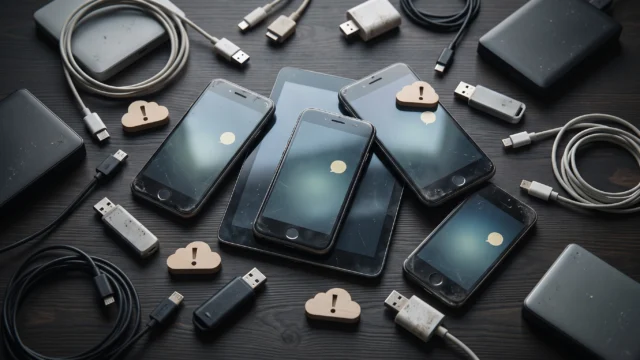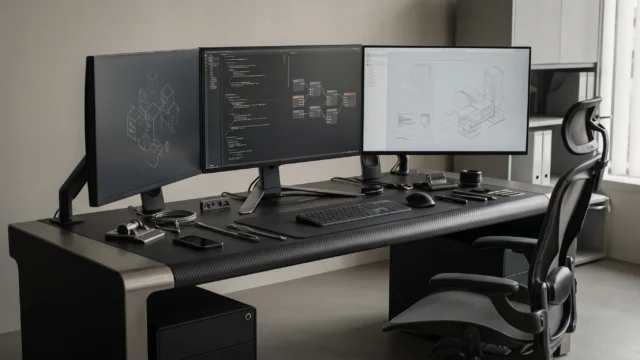

A personal degraded mode is a simple way of living and working when your technology stops working. It is for moments when your internet connection drops, cloud websites freeze, or artificial intelligence tools do not open. We use this term because big computer companies use it for machines, but regular people need it too so their daily routine does not break down when screens go blank.
Adapting It to Daily Life
Most articles on the internet only talk about big computer servers and smart home gadgets when they discuss degraded modes. They almost never explain what a normal human being should do when digital tools suddenly vanish during an ordinary day. Degraded mode simply means operating in a slower and simpler way without stopping completely.
Your day usually runs in normal mode. In normal mode, your phone maps show you every street, your online files open instantly, and digital calendars organize your hours. Everything is fast and connected to the web.
When an outage happens, you calmly switch into personal degraded mode. In this mode, you cannot use web services, but you can still do your work with local computer programs that do not need the internet, or you can write with a simple pen and paper. If the problem becomes worse and your electricity or devices stop completely, you drop into fail safe mode. Fail safe mode is a condition where a system protects itself from harm during a total breakdown. In your everyday life, fail safe mode means stepping away from screens and focusing only on your primary needs, like eating a meal, using physical door keys, and resting until power returns.
Remember that you do not need to panic when technology stops working, because a little simple planning keeps you safe and calm.

What to Keep Offline
The easiest way to feel comfortable during an outage is to keep your most important materials offline. Offline means your files live directly inside your computer or phone memory and do not need an internet connection to open.
Save a copy of your family phone numbers, medical contacts, and bank helpline numbers in a plain text file on your phone. You can also download a local map of your city so you can find your way without a mobile signal. Keeping some paper money in your wallet and saving your weekly work documents directly to your desktop will allow you to continue your day with peace of mind.
A One Page Fallback Plan
A fallback plan is a simple backup choice that you use when your first plan fails. You can write your fallback plan on a single piece of paper and keep it near your desk.
This single sheet should list the names and landline numbers of your closest friends, family, and workplace. It should also list three or four quiet tasks you can do without a network, like reading a book, organizing your desk, or sketching ideas on paper. When an outage occurs, looking at this paper tells you exactly what to do next without any confusion.
Looking Ahead
As our world relies more on artificial intelligence and cloud networks every year, unexpected internet interruptions will affect our daily habits even more. Knowing how to switch into your personal degraded mode will become an important life skill for everyone. When you know you can manage your day on your own, technology remains a helpful partner rather than something you depend on completely.