
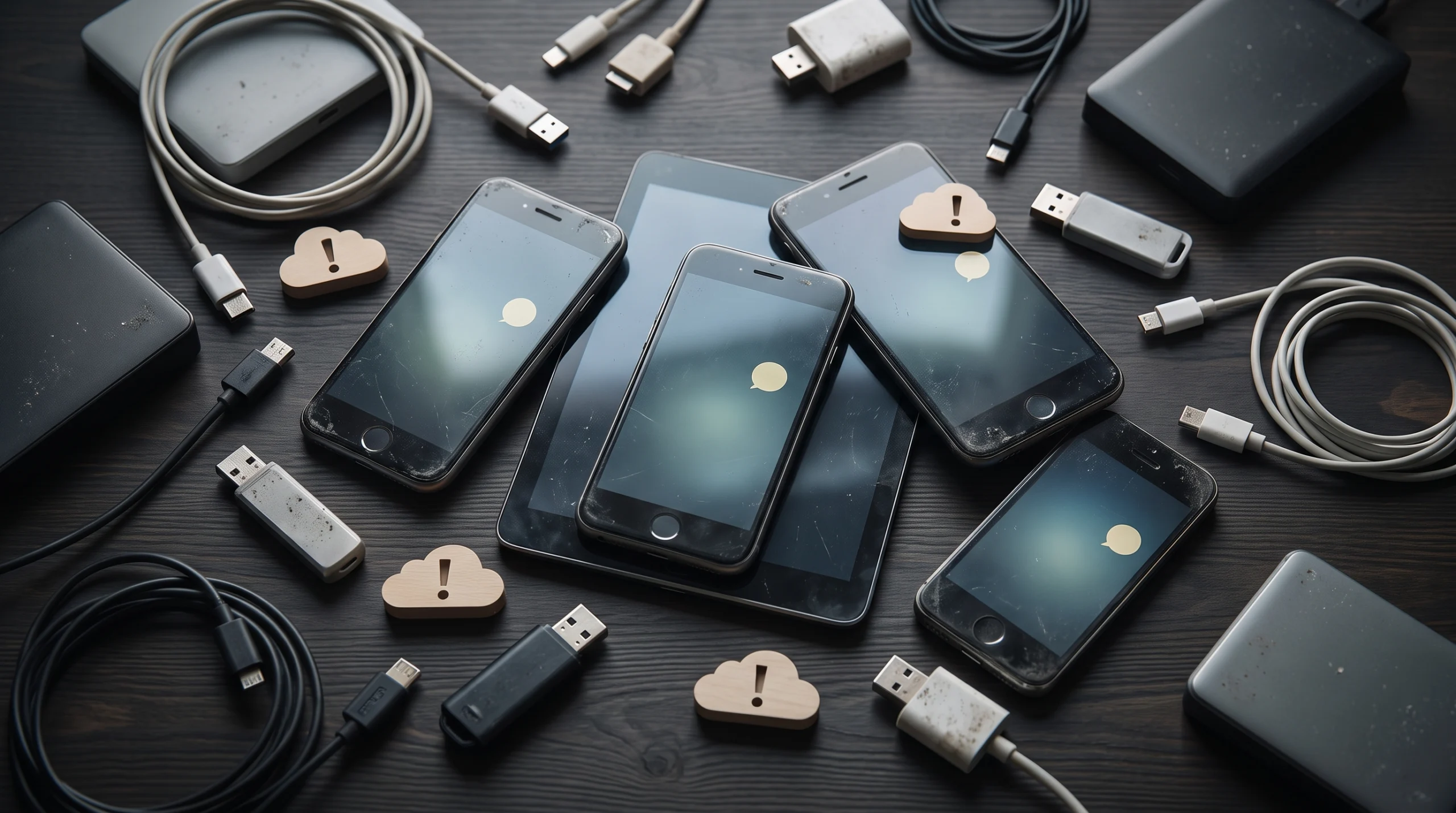
Personal tech debt is the silent buildup of old digital things that you do not use or update anymore. In regular life, when you borrow money, you have debt that you must pay back later. In your digital life, personal tech debt happens when you keep creating accounts, saving files, or using devices without ever cleaning them up. People talk about this keyword today because almost every person lives with dozens of online profiles and multiple gadgets. This phrase exists to describe that messy, hidden burden so you can name it and take control of your digital space.
It is completely normal if you feel overwhelmed by your computer or your phone right now. You do not need to feel bad or scared, because almost everyone on the internet collects this kind of digital clutter over time without noticing. The hidden truth is that when you sign up for a new shopping app, save an extra copy of family photos on a flash drive, or ignore a software update, you are creating a small job for your future self. When years go by, you end up with hundreds of forgotten profiles on websites you do not visit, ancient files saved in strange file types that modern programs cannot open, and old phones resting inside drawers. None of this means you made a mistake; it simply means modern life moves fast, and tech companies make it very easy to create new things but hard to clean them away. You are safe, and solving this does not require any special technical talent. You only need to take small, gentle steps.
Types of tech debt
This digital burden comes in several simple forms that exist in daily life. One common type is forgotten accounts, which are old profiles on websites, games, or stores that you joined once and never visited again. Another type is old backups, which happen when you copy files to external hard drives or cloud services and leave multiple duplicate copies untouched for years. A third type is unpatched devices, which means phones, tablets, or home routers that have not received the newest software updates. You may also have stale automations, which are automatic rules you set up long ago, such as rules that automatically forward emails or move photos, that you no longer need. Finally, old file formats represent another type, which means saving important memories or documents in file types that newer computers can no longer open easily.
Interest you pay in risk
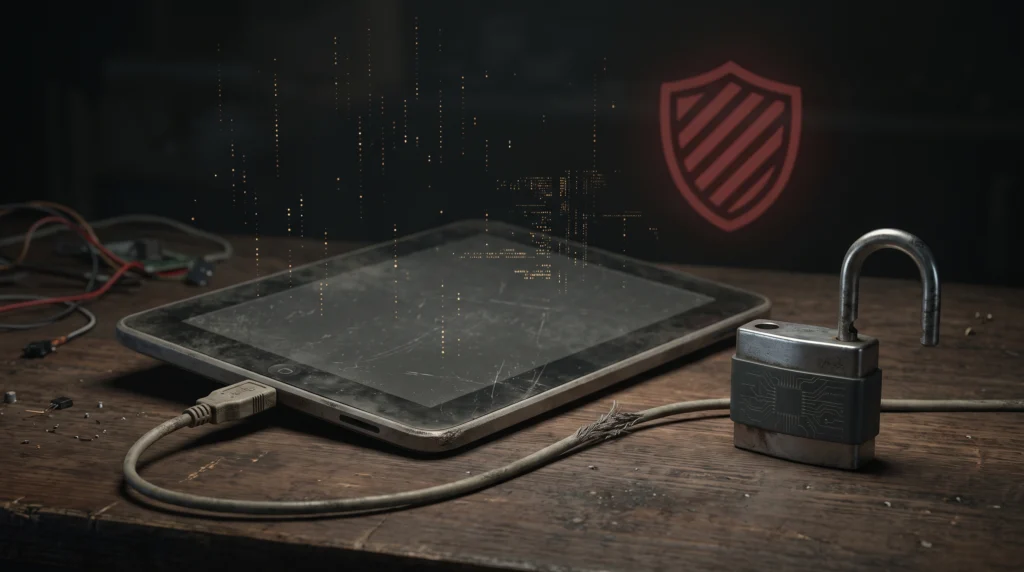
When you owe money to a bank, you pay extra money called interest, and personal tech debt charges a similar cost in safety and peace of mind. Your old, forgotten accounts often hold your home address, email, or old passwords, which hackers can find if those old websites suffer a data break. An unpatched device lacks the newest security shields, which makes it easier for viruses or malicious software to enter your home network. Furthermore, storing unorganized copies of your files makes you waste time searching for what you need, and you might accidentally lose precious family photos if the old file type stops working.
A yearly paydown routine
You can easily lower this burden by setting aside one quiet afternoon every year to tidy your digital world. If you want to start safely, just pick one single task today, such as deleting three unused apps from your phone, and stop there. During this yearly review, you can open your web browser to delete old accounts you do not care about anymore, and turn on automatic software updates on your phone and computer. You can also plug in your external storage drives to delete duplicate folders, and export your critical documents into common, modern formats like simple text or basic pictures so they open on any machine. Taking these relaxed steps once a year keeps your personal information safe and leaves your digital life feeling light, organized, and fresh.