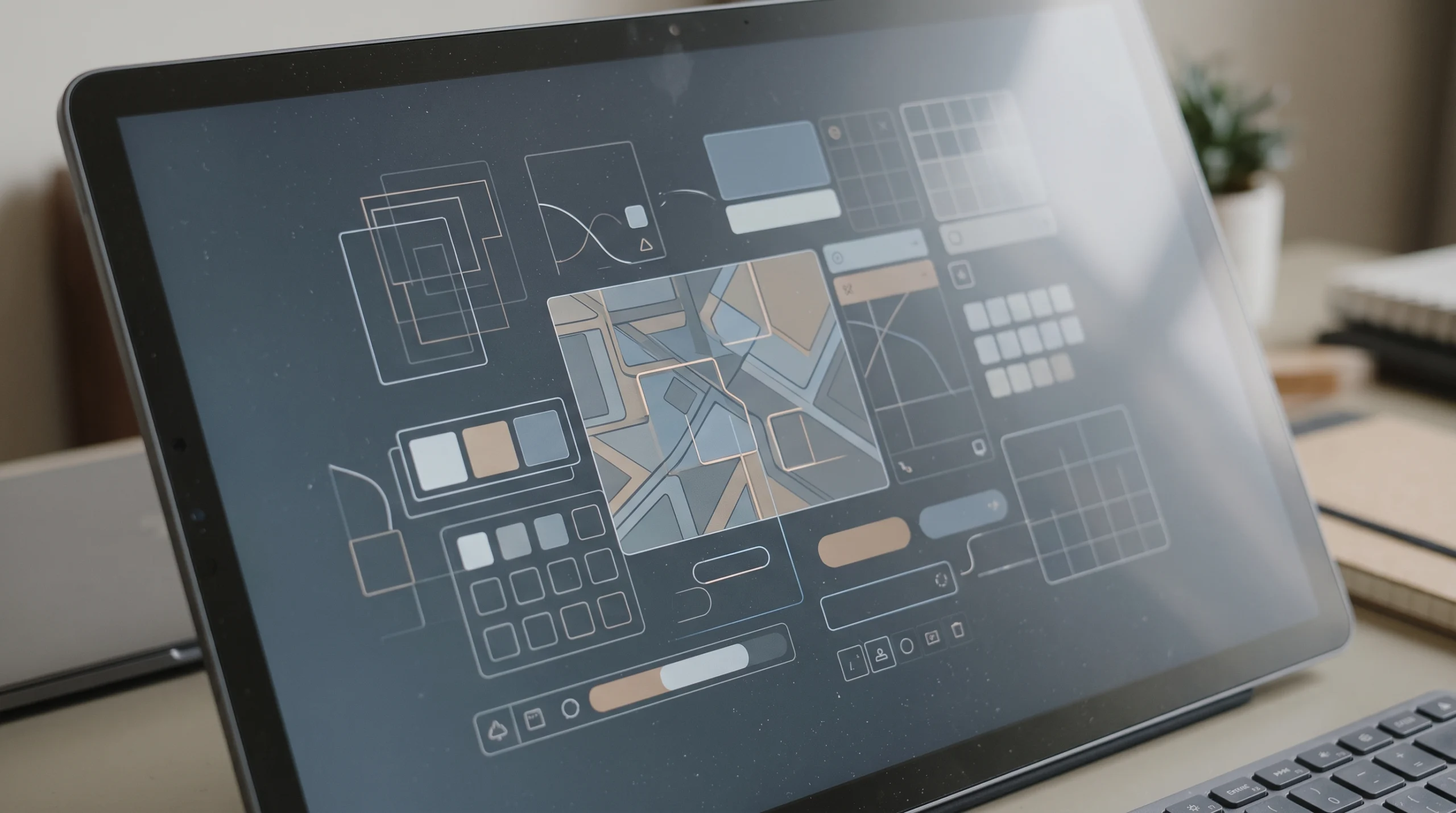
Generative UI is a smart computer screen that draws itself right in front of your eyes. UI stands for user interface, which is just the buttons, pictures, and boxes you touch on a phone or computer screen. Recently, the company OpenAI started releasing its new artificial intelligence model called GPT 6, and it uses this special technology. Instead of just giving you a wall of words to read, the screen changes its shape based on what you ask. If you ask about a road trip, it draws a map, and if you ask to split a dinner bill with friends, it builds a tiny calculator for you on the spot. It exists to make hard ideas much easier to understand and to save you time from opening many different programs.
Why Changing Screens Can Feel Strange and How You Stay Safe
When a screen changes every time you ask a question, it is very normal to feel a little confused or worried at first. You might wonder about consistency, which means things staying the same way so you do not get lost. Imagine waking up and finding that the doors and windows in your house moved to new places overnight. If my screen looks one way and your screen looks another way, it is harder for a friend to point at your screen and help you find the right button.
Another big worry is accessibility, which means making sure everyone can use a tool easily, including older people or people who cannot see or hear very well. People who have trouble seeing use special talking tools that read the screen out loud, and a screen that keeps moving its buttons around can confuse those helpful tools. This also brings up trust, because we naturally feel safer when a program looks familiar and works the exact same way every day. Thankfully, the builders of GPT 6 know this, so the computer is not allowed to invent wild or dangerous screens out of nowhere. It can only pick from a safe box of tested building blocks that always follow the same safety rules. If a changing screen ever makes you feel lost or uncomfortable, remember that you can simply type a message asking the computer to give you plain words only, and you are always in control.
Design Systems and App Navigation
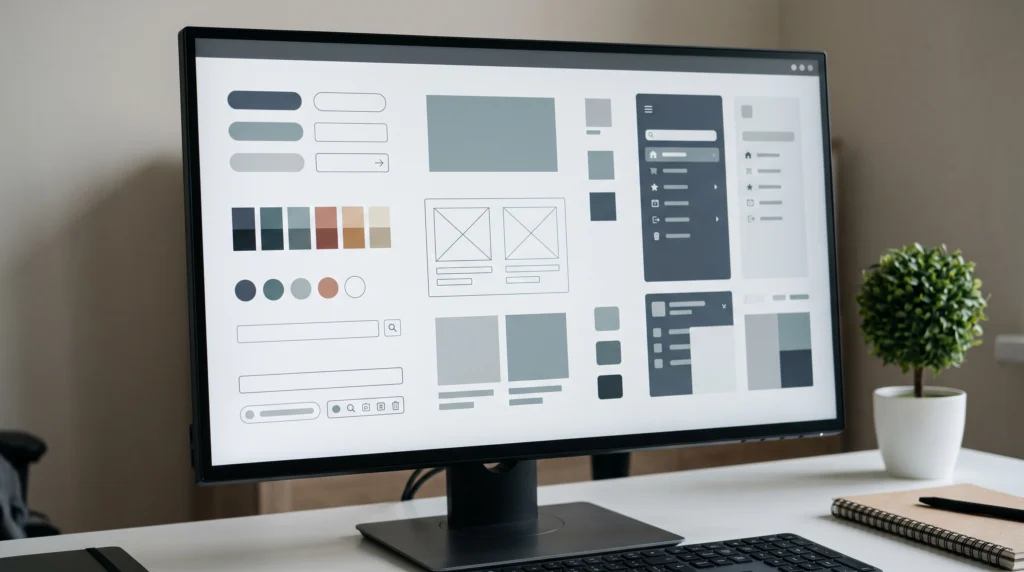
To stop the screen from looking messy, companies use something called a design system. A design system is a digital rulebook filled with ready made parts like buttons, colors, and letter styles that all match each other. Even when the computer builds a brand new tool for your question, it must use this rulebook so everything still looks clean and friendly.
This new technology also changes app navigation. App navigation is simply the way you move around inside a phone or computer program, like clicking a menu at the top of the screen to find your settings. With this new smart screen, you do not have to hunt through menus anymore because the exact tool you need comes straight to you during your chat.
The Future and the End of Fixed App Layouts
Looking ahead, this technology could bring the end of fixed app layouts. A fixed layout is the frozen screen design we all use today, where the creators of a program decide where every button lives before you ever download it. In the future, programs might not have permanent screens at all. Instead, your phone or computer will quietly build the exact workspace you need for the moment and put it away when you are done. You do not need to worry about learning a whole new way to use your phone overnight, so just take your time and enjoy how these smart screens learn to adapt to you instead of making you adapt to them.