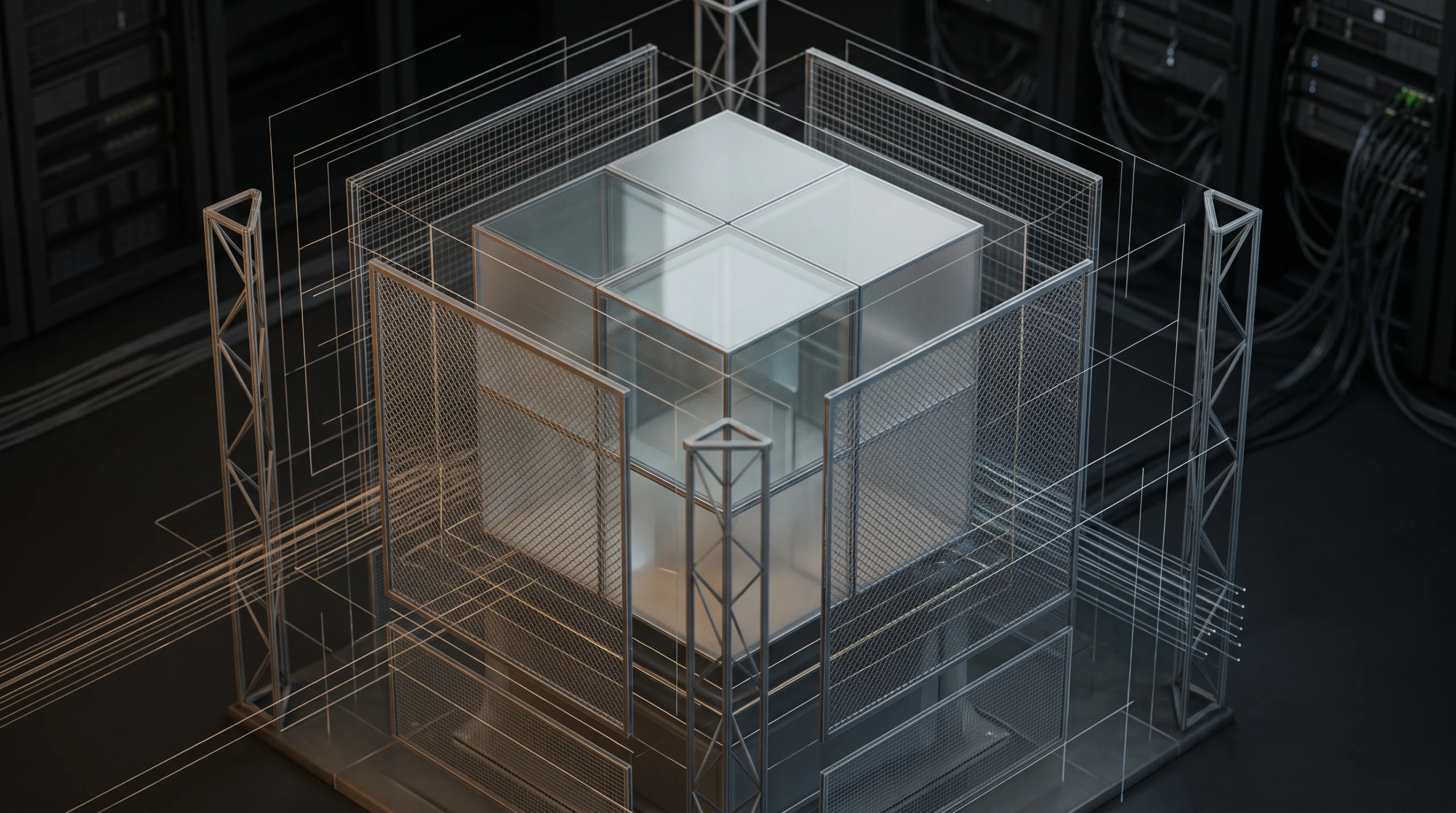
An agent sandbox is a safe and private digital room where an artificial intelligence program can do its work without touching the rest of your computer. Here, an artificial intelligence agent simply means a smart computer helper that can make choices and complete tasks on its own. Recently, the technology company Nvidia announced a new tool called OpenShell to build these safe digital rooms. This tool is used to stop smart computer helpers from accidentally deleting important files, sharing secret passwords, or sending private information to the wrong place on the internet. We need this technology right now because smart helpers are doing more real world jobs for companies, and people need a simple way to keep them under control.
Who Sets the Rules and How They Are Checked
You might wonder who is actually in charge of these digital rooms and how we can be sure the computer helper follows the rules. In Nvidia OpenShell, the human computer managers and security teams at a company write the rules before the smart helper even starts working. OpenShell begins by blocking everything by default, so the helper cannot touch any file or website unless a human gives it clear permission. The system uses a special tool called a Policy Prover to check the rules before they are used. A Policy Prover is an automatic math checker that makes sure the human managers did not accidentally leave a dangerous door open in their rulebook. Once the smart helper is working inside the room, another part of the system called a Supervisor watches from the outside. Because the Supervisor stands outside the room, the smart helper cannot trick it or change its own rules. Every single time the helper asks to open a file or visit a website, the Supervisor checks the rulebook and writes down the request in a permanent diary. Checking this diary is called an audit, which just means reviewing an official record of everything that happened to make sure nothing went wrong. If the helper tries to break a rule, special security chips can lock the helper down in less than a second so your data stays completely safe. When you use smart computer helpers at work or at home, you only need to give them access to the specific folders they need for that day so you can relax and stay protected.
Preventing Agent Hijacking
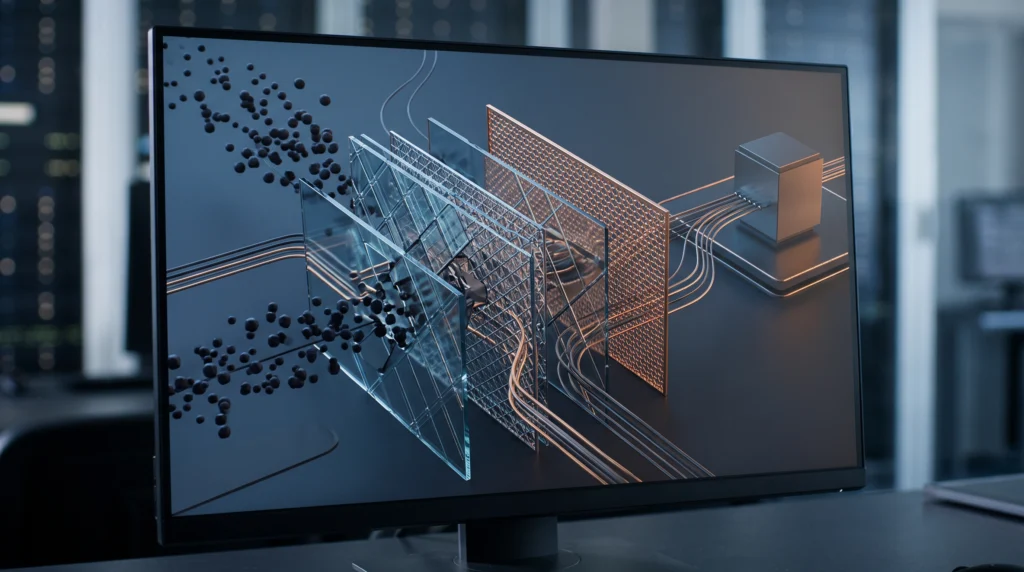
This safety system is closely connected to a problem called agent hijacking. Agent hijacking happens when a bad person hides secret commands inside an email or a website to trick your smart helper into working for them instead of you. If a helper gets tricked like this outside of a safe room, it might steal private company data. However, when the helper is inside the OpenShell room, the outside guard blocks any strange new action that is not in the original rulebook, stopping the trick right away.
Safe Training with Isaac Lab 3.0
Nvidia is also using the idea of safe digital spaces for physical machines with a new update called Isaac Lab 3.0. This software is a virtual training school where robot brains learn how to walk, hold objects, and see the world inside a computer before they are put into real metal bodies. Just like OpenShell keeps software helpers safe in a digital room, this virtual school lets engineers test robot brains safely so they do not break things in the real world.
The Future of Sandbox Standards
As millions of smart helpers start working together across different companies, having one single company tool will not be enough. Because Nvidia made OpenShell open source, which means anyone can look at the code and use it for free, it is helping the technology world agree on shared safety standards. Soon, every business will likely follow the same basic safety rules for digital rooms, making smart computer helpers as safe and trustworthy as everyday home appliances.